
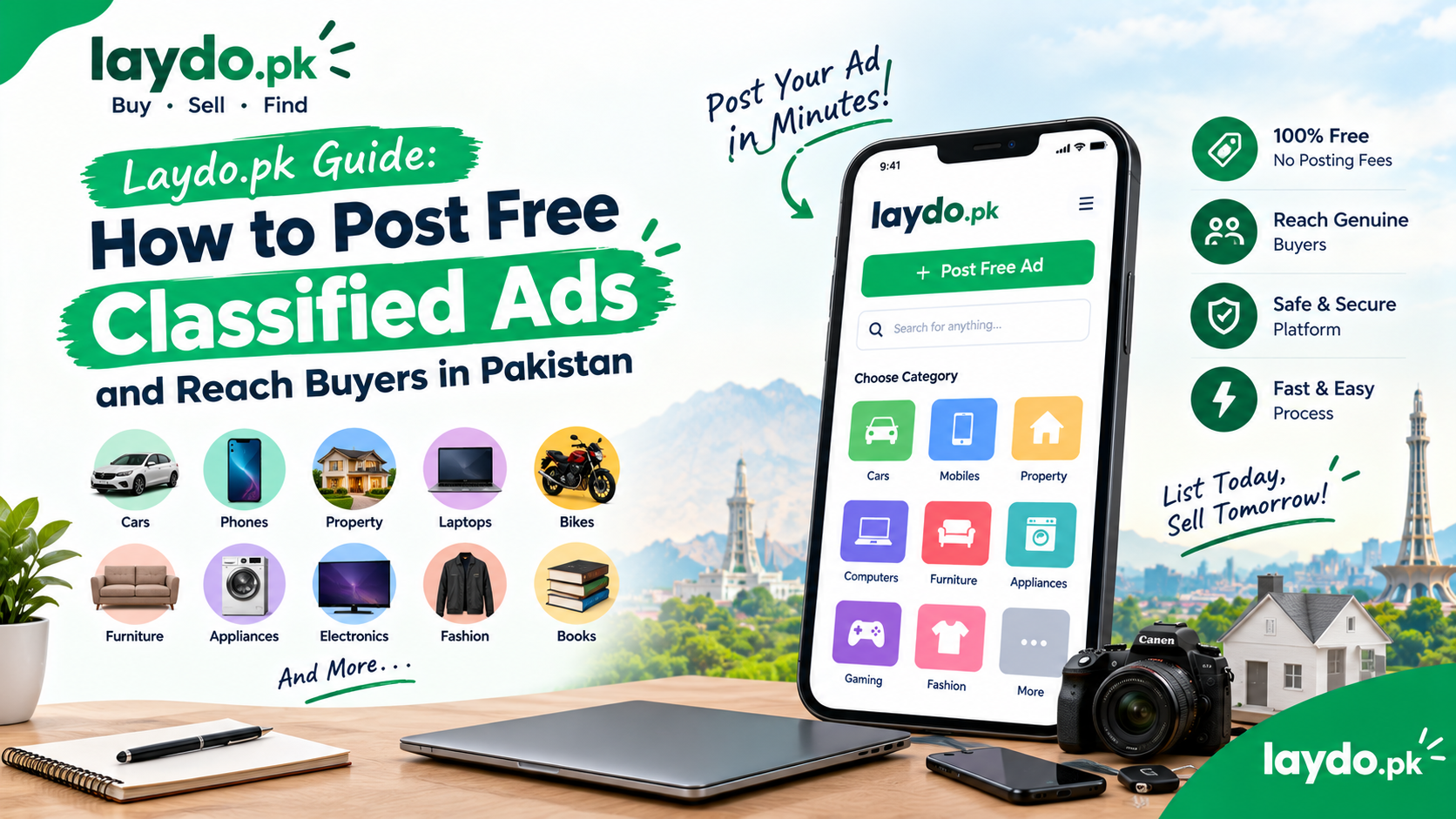

Selling something online doesn’t have to be complicated. Whether you’re selling a used mobile phone, car, laptop, furniture, motorcycle, electronics, or even property, online classified ads can help you connect with potential buyers.
Laydo.pk provides a marketplace for people in Pakistan who want to buy and sell products online. By creating a clear and informative classified ad, sellers can showcase their items and make it easier for interested buyers to contact them.
In this guide, we’ll explain how to post free classified ads on Laydo.pk, how to create an effective listing, and how to improve your chances of reaching genuine buyers in Pakistan.
What Are Classified Ads?
Classified ads are listings that allow individuals or businesses to advertise products, services, vehicles, property, and other items for sale.
Unlike traditional advertisements, online classified ads allow buyers to search through listings based on categories, locations, prices, and other details.
For example, someone looking for a used phone can search for mobile listings, compare available options, and contact sellers directly.
Similarly, a seller can publish a listing for a product they no longer need and make it available to potential buyers.
Why Post Classified Ads Online?
Selling through online classifieds can provide several advantages.
Reach More Potential Buyers
Instead of limiting your sale to friends, family, or people in your neighborhood, an online classified marketplace can help you reach buyers searching for products across Pakistan.
Sell Unwanted Items
Everyone has items they no longer use.
Old phones, laptops, furniture, appliances, cameras, gaming equipment, and other belongings can potentially find new owners through online classifieds.
Save Time
Creating an online listing allows buyers to see important information before contacting you.
This can reduce unnecessary questions and help you focus on serious inquiries.
Reach People Looking to Buy
People visiting classified marketplaces are often specifically searching for products and services.
A well-written listing can therefore put your item in front of people who are already interested in buying.
How to Post a Free Classified Ad on Laydo.pk
Creating an effective listing starts with providing accurate and useful information.
The exact steps may change as Laydo.pk updates its platform, but the basic process is straightforward.
Step 1: Choose What You Want to Sell
Before creating your listing, decide exactly what you’re offering.
Examples include:
- Mobile phones
- Cars
- Motorcycles
- Laptops
- Computers
- Furniture
- Home appliances
- Electronics
- Gaming products
- Clothing
- Cameras
- Books
- Property
- Other products and services
Having a clear idea of what you’re selling makes it easier to create an accurate listing.
Step 2: Choose the Correct Category
Selecting the right category is important.
For example:
Selling an iPhone? Choose the appropriate mobile or phone category.
Selling a car? Use the cars or vehicles category.
Selling a sofa? Select furniture.
Selling a house? Choose the relevant property category.
The correct category helps potential buyers discover your listing when they browse or search.
Step 3: Create a Clear Title
Your title is one of the first things potential buyers see.
Avoid vague titles such as:
“Phone for sale”
Instead, provide useful information:
“iPhone 13 128GB – Excellent Condition – Complete Box”
For a laptop:
“HP EliteBook Core i5 – 16GB RAM – 512GB SSD”
For a car:
“Toyota Corolla 2018 – Automatic – Excellent Condition”
A specific title tells buyers what you’re selling immediately.
Step 4: Write a Detailed Description
Your description should answer the questions a buyer is likely to ask.
Depending on the product, include:
- Brand
- Model
- Condition
- Age
- Specifications
- Color
- Size
- Accessories
- Warranty information
- Location
- Reason for selling
- Any defects or repairs
- Asking price
For example, if you’re selling a used laptop, mention the processor, RAM, storage, display size, battery condition, and whether the original charger is included.
The more useful information you provide, the easier it is for buyers to decide whether the item is right for them.
Step 5: Add High-Quality Photos
Photos can make a major difference to an online classified listing.
Use clear, well-lit photographs of the actual item you’re selling.
For most products, include several angles.
For a Mobile Phone
Show:
- Front
- Back
- Sides
- Screen
- Camera area
- Accessories
For a Car
Consider showing:
- Front
- Rear
- Both sides
- Interior
- Dashboard
- Tires
- Engine bay
- Any visible damage
For Furniture
Show the entire item as well as close-ups of any scratches, marks, or damage.
Avoid using misleading images that don’t accurately represent the product.
Step 6: Set a Reasonable Price
Pricing your item correctly can help attract buyers.
Before choosing a price, search for similar products and compare:
- Brand
- Model
- Age
- Condition
- Specifications
- Location
- Included accessories
For example, two used smartphones with the same model may have different values depending on storage capacity, battery condition, physical condition, and included accessories.
Researching similar listings can help you set a realistic asking price.
Should You Leave Room for Negotiation?
Some buyers may negotiate the price of a classified item.
If you’re willing to negotiate, you can take that into consideration when setting your asking price.
However, avoid setting an unrealistic price simply because you expect buyers to negotiate.
A reasonable price can attract more genuine interest.
Step 7: Add Your Location
Location is especially important for products that buyers may want to inspect or collect themselves.
Clearly indicate the relevant city or area when creating your listing.
For example:
- Islamabad
- Rawalpindi
- Lahore
- Karachi
- Faisalabad
- Multan
- Peshawar
A buyer may be more interested in an item if they know it is available nearby.
Step 8: Publish Your Classified Ad
Once you’ve entered the required information, review your listing carefully before publishing it.
Check:
- Title
- Description
- Price
- Category
- Location
- Photos
- Contact information
- Product condition
Make sure everything is accurate before publishing.
How to Make Your Classified Ad Stand Out
Posting an ad is only the first step. The quality of your listing can influence how many people become interested.
Use Specific Information
Compare these two titles:
“Laptop for sale”
and:
“Lenovo ThinkPad i5 10th Gen – 16GB RAM – 512GB SSD”
The second title provides much more information and can attract buyers who are specifically searching for those specifications.
Be Honest About Condition
Don’t hide scratches, repairs, missing accessories, or other problems.
If an item has an issue, mention it clearly.
Honest descriptions help buyers understand exactly what they’re considering.
Use Multiple Photos
One photograph may not be enough.
Multiple photos allow buyers to see the product from different angles and understand its condition.
Keep Your Listing Updated
If the price changes, the item receives new accessories, or the product is no longer available, update the listing accordingly.
Keeping information current creates a better experience for potential buyers.
How to Reach More Buyers in Pakistan
If you want your classified listing to attract more attention, think about what a buyer would search for.
For example, instead of:
“Good phone available”
include relevant information such as:
“Samsung Galaxy S22 128GB Used Phone for Sale in Lahore”
This gives buyers important information about the product and location.
Use Relevant Keywords Naturally
Depending on your item, useful terms may include:
- Used
- New
- For sale
- Original
- Excellent condition
- Like new
- Price
- Location
- Brand
- Model
Don’t fill your description with repetitive keywords. Focus on writing information that is genuinely useful to buyers.
Why Use Laydo.pk for Classified Ads?
Laydo.pk is designed to connect buyers and sellers through an online classifieds marketplace in Pakistan.
Whether you’re selling a used phone, car, laptop, motorcycle, furniture, appliance, electronics, or another item, creating a detailed listing gives potential buyers the information they need to make an informed decision.
For sellers, the goal is simple:
Create a clear listing → reach interested buyers → communicate clearly → complete the transaction safely.
Frequently Asked Questions
Is Laydo.pk a classified marketplace in Pakistan?
Yes. Laydo.pk is an online classified marketplace focused on connecting buyers and sellers in Pakistan.
What can I sell through online classified ads?
Depending on the marketplace’s categories and rules, you can list products such as cars, motorcycles, mobile phones, laptops, furniture, electronics, appliances, property, clothing, books, and other permitted items.
How can I get more buyers for my classified ad?
Use a specific title, accurate description, clear photographs, appropriate category, correct location, and a realistic price. These details make it easier for interested buyers to understand your listing.
How should I price my used item?
Search for similar products and compare their condition, specifications, age, location, and prices. Use this information to establish a reasonable asking price.
Are online classified ads safe?
Online classifieds can be useful, but buyers and sellers should take sensible precautions. Avoid sharing sensitive information, verify payments, inspect expensive products, and use safe meeting arrangements for local transactions.